JavaScript Online Live Class by Experts
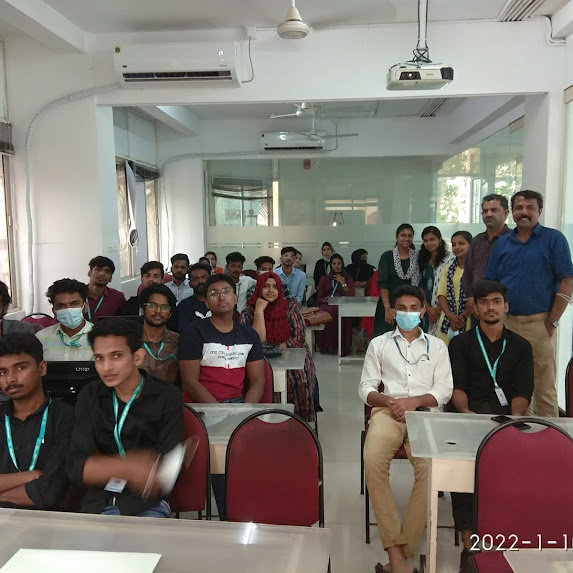
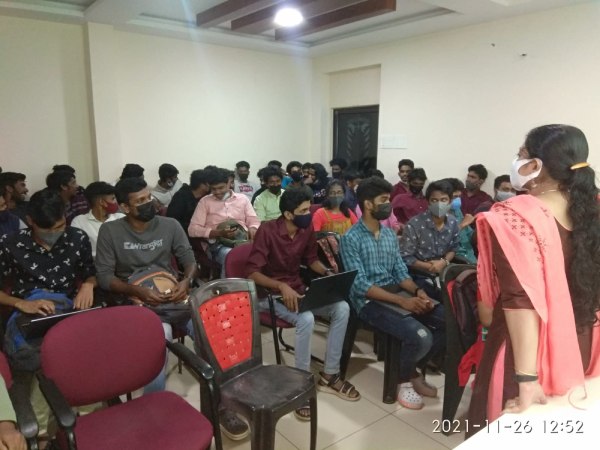
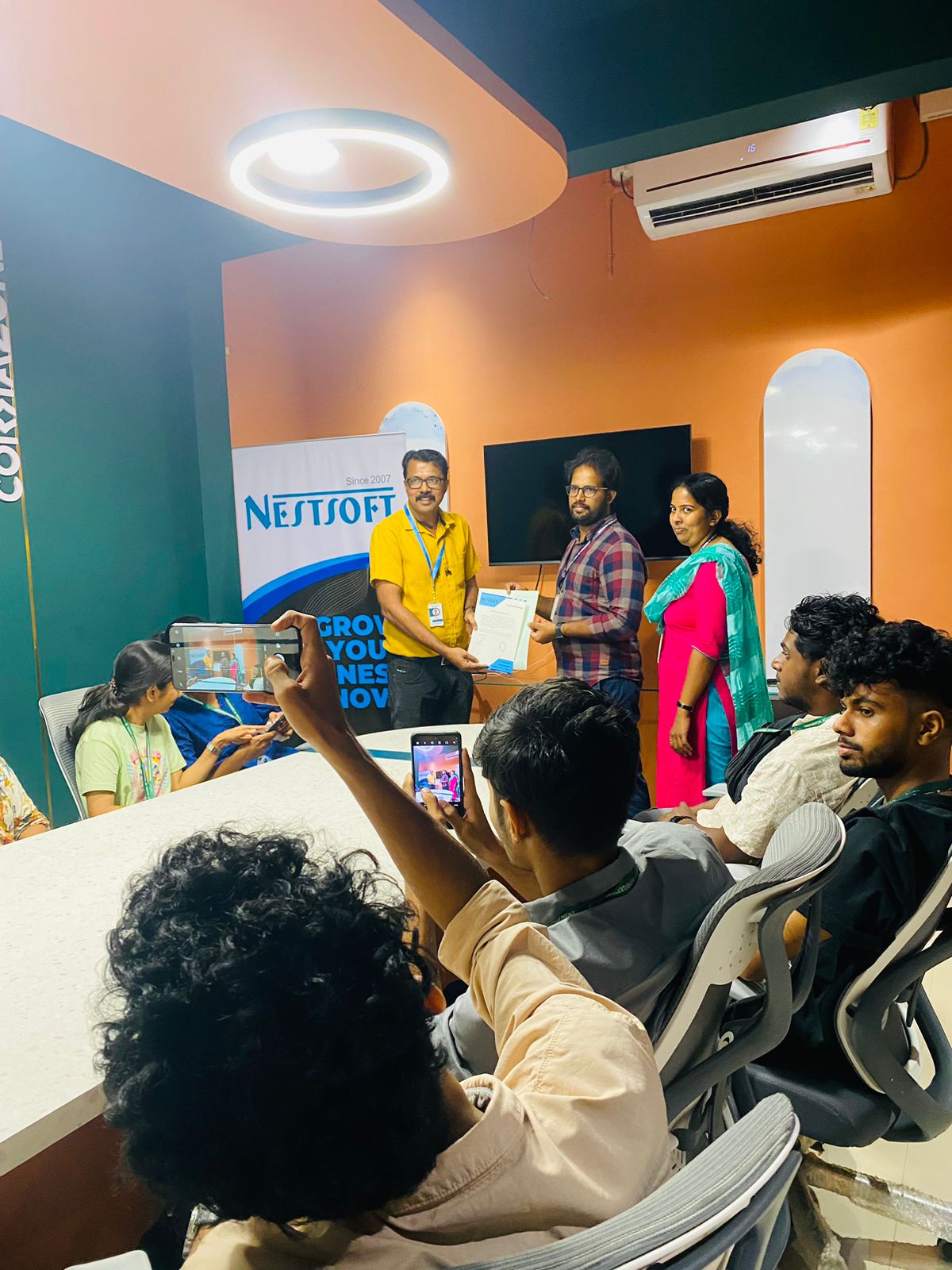
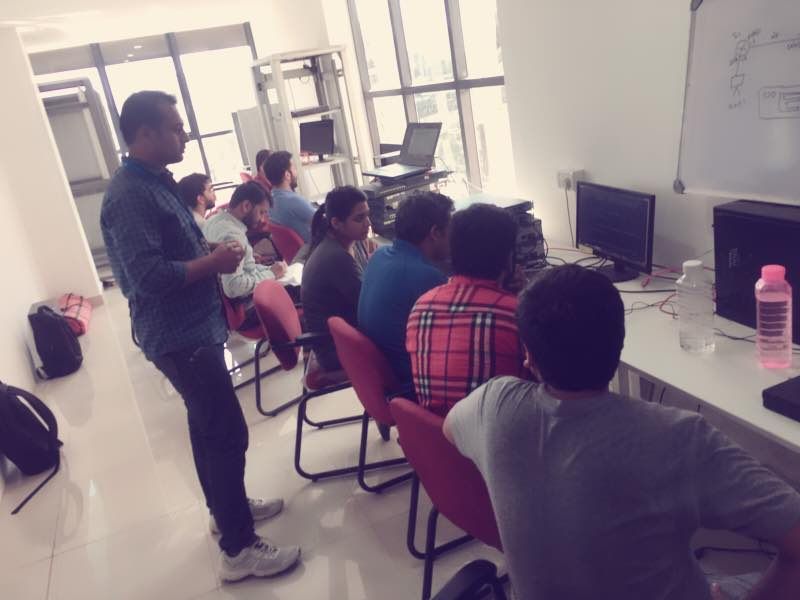
Our Training/Internship Process

JavaScript - Syllabus, Fees & Duration
MODULE 1: Fundamentals of JavaScript Code
- JavaScript methods (such as alerts)
- Variables
- The importance of quotes
- Numbers vs. strings
- Concatenation
MODULE 2: Reusing Code with Functions
- Defining functions
- Calling functions
- Defining parameters & passing arguments
- Simple Accordion with JavaScript
- Targeting elements by ID
- Hiding & showing elements with JavaScript
MODULE 3: If Statements: Clearing Form Fields
- Testing code in the JavaScript Console
- Getting & setting properties
- Using if statements
- Reshowing text hints in empty form fields
MODULE 4: Introduction to JavaScript Objects & the DOM
- Intro to objects
- The global object
- Breaking open and manipulating objects
MODULE 5: Dynamically changing content with custom objects
- Checking the functionality of the select menu
- Getting the chosen value
- Dynamically changing the state name value
- Dynamically changing the rest of the values
MODULE 6: Introduction to arrays and the math object
- Creating an array
- Editing an array
- Creating an array of welcome handlings
- The math object
- Using the math object to pick random headlines
MODULE 7: Introduction to for loops
- Creating a for loop
- Using the for loop to set dropdown menus
- Clearing the menu
- Optional bonus: refining the menu selection experience
MODULE 8: Exploring JavaScript selectors
- Intro to JavaScript selector
- Selecting multiple elements and elements without IDs
- Getting a specific list item
- Getting elements by class name
- Getting multiple items using query selector
- Getting a single item using query selector
- Chaining selectors together
- Targeting elements by data attribute
MODULE 9: Photo filter website: using friendly navigation
- Creating an array to store the selector
- Getting the all button to select all filters
- Getting the rest of the buttons to select the other filters
- Initially hiding the photos
- Getting the photos to filter
MODULE 10: Photo filter website: creating an executive filter
- Adding a checkbox to toggle executive filtering on/off
- Separating the inclusive and exclusive filter
- Writing a conditional to select the appropriate filter
- Programming the exclusive filter
- Rerunning the filter when the checkbox is toggled
- Improving the user experience
MODULE 11: Showing/hiding content with JQuery animation
- Getting started with JQuery
- Running code when the document is ready
- Click events
- Using the jQuery slide toggle method
- Supporting JQuery disabled users
MODULE 12: Sharing JavaScript across pages
- Externalizing JavaScript
- Linking to the JavaScript file
MODULE 13: JQuery hover animation
- Adding an outline with CSS
- Using the JQuery hover method
- Using the JQuery animate method
MODULE 14: More advanced JQuery showing/hiding
- Adding animation to reveal hidden content
- Targeting the proper div: traversing the document
- Swapping the button image with JQuery
MODULE 15: JQuery lightbox: a pop-up image viewer
- Linking the plugin files
- Initializing the pop-up
- Grouping the photos into a gallery
- Adding captions
- Removing the counter
- Customizing the appearance
MODULE 16: JQuery cycle: a simple slideshow
- Initial setup
- Defining what content gets cycle
- Adding more cycles and exploring options
- Reversing the animation
MODULE 17: JQuery cycle: adding slideshow controls
- Preventing a possible “flash of unstyled content’’
- Enabling the slideshow
- Adding and customizing the controls
MODULE 18: JQuery cycle: adding a pause button
- Adding a pause/play button
- Styling the pause/play button
- Checking to see if the cycle is paused
- Making the pause/play button work
MODULE 19: JQuery form validation
- Initializing the plugin & setting options
- Customizing the error messages
- Changing the location of the error messages
- Styling the error messages
MODULE 20: JQuery Image Carousel
- Linking to the plugin files
- Creating the carousel
- Styling the carousel
- An easy way to add prev & next buttons
- Adding custom prev & next buttons
- Setting how many items are shown
This syllabus is not final and can be customized as per needs/updates
- Since 2001, Making IT Experts by Experts
- Duration: 15 Hours (Vary as per your skill)
- Course Fees
- Individual Live Classes (1:1)
- Batch Classes @ Low Fees
- Training on Your Time, Any Where
- Access to Recorded Videos
- Practical Internship on Projects
- 100% Placement Support by our jobsNEAR.in
- Training/Internship Certificate
- Agra
- Ahmedabad
- Alappuzha
- Aurangabad
- Bangalore
- Belgaum
- Bellary
- Bhubaneswar
- Chennai
- Cochin
- Coimbatore
- Delhi
- Dindigul
- Erode
- Gulbarga
- Guntur
- Gurgaon
- Haryana
- Hyderabad
- Idukki
- Indore
- Jaipur
- Kalyan
- Kannur
- Kanpur
- Kasaragod
- Kerala
- Kolkata
- Kollam
- Kottayam
- Kozhikode
- Lucknow
- Madurai
- Malappuram
- Mangaluru
- Mumbai
- Mysuru
- Nagpur
- Nashik
- Navi Mumbai
- Nizamabad
- Noida
- Palakkad
- Pathanamthitta
- Pune
- Punjab
- Salem
- Shimla
- Solapur
- Surat
- Thane
- Thanjavur
- Thirunelveli
- Thoothukudi
- Thrissur
- Tiruchirappalli
- Tiruppur
- Trivandrum
- Vadodara
- Varanasi
- Vellore
- Vijayawada
- Visakhapatnam
- Wayanad
Course Highlights

Our Locations

 Because the number of professions that require JavaScript is increasing all the time, it's better to learn it as soon as possible to gain a head start. It was originally designed as a customer-side language, but it has now found its way into a wide range of programming applications, from mobile apps to video games.
One such platform is node. Web developers, Web designers, JavaScript developers, Front-end developers, Node developers, Analyst engineers, and Full-stack developers can all benefit from learning JavaScript. js, which runs JavaScript code outside of a browser, allowing for faster JavaScript execution. In comparison to many other programming languages, JavaScript is extremely versatile.
Experts teach you a wide range of ideas and industry-standard best practices that you may implement in your projects, regardless of which JavaScript agenda you're using. To stay organized with Java, remember that JavaScript is the glue that connects HTML, CSS, and your browser together, and it's not going anywhere anytime soon.
Over time, JavaScript has cemented its position as the de facto web language. The course will teach you how to create your web apps utilizing the three primary technologies that make up much of today's dynamic web.
Because the number of professions that require JavaScript is increasing all the time, it's better to learn it as soon as possible to gain a head start. It was originally designed as a customer-side language, but it has now found its way into a wide range of programming applications, from mobile apps to video games.
One such platform is node. Web developers, Web designers, JavaScript developers, Front-end developers, Node developers, Analyst engineers, and Full-stack developers can all benefit from learning JavaScript. js, which runs JavaScript code outside of a browser, allowing for faster JavaScript execution. In comparison to many other programming languages, JavaScript is extremely versatile.
Experts teach you a wide range of ideas and industry-standard best practices that you may implement in your projects, regardless of which JavaScript agenda you're using. To stay organized with Java, remember that JavaScript is the glue that connects HTML, CSS, and your browser together, and it's not going anywhere anytime soon.
Over time, JavaScript has cemented its position as the de facto web language. The course will teach you how to create your web apps utilizing the three primary technologies that make up much of today's dynamic web.