Send enquiry ⏎

Autodesk Maya Online Live Class by Experts

Our Training/Internship Process

Autodesk Maya Online Live Classes in Kannur | Free Demo Training

Autodesk Maya - Syllabus, Fees & Duration

Overview of Maya

  • Understanding the Maya interface
  • Setting up files and Maya projects
  • Configuring viewports
  • Customizing the interface
  • Navigating the Maya workspace
  • Using the hotbox and marking menus
  • Selecting objects
  • Using the Move tool
  • Rotating and scaling objects
  • Working with pivots
  • Understanding the Channel Box
  • The Attribute Editor

Maya Scenes

  • Organizing Maya Scenes
  • Working with the Outliner
  • Dealing with hierarchies
  • Object groups
  • Exploring Hypergraph
  • Hiding and showing objects
  • Working with layers
  • Working with selection masks

Working with Polygons

  • Creating Polygonal Models
  • Differences between NURBS and polys
  • Selecting polygonal components
  • Using Soft Select and reflection
  • Sculpting with the Sculpt tool
  • The Combine and Separate commands
  • Working with subdivision surfaces

Working with Meshes

  • Working with edge loops
  • Using Edge Flow for smooth geometry
  • Reorienting geometry using Spin Edge
  • Drawing detail with the Connect tool
  • Mirroring geometry
  • Modeling with nonlinear deformers
  • Modeling with lattices

NURBS-based Modelling

  • Refining NURBS Models
  • Extracting NURBS curves from surfaces
  • Open/ Close curves and surfaces
  • Creating curves on a surface
  • Projecting curves on surfaces
  • Trimming NURBS surfaces
  • Using fillets to connect surfaces
  • Converting NURBS to polygons

Using Materials

  • Creating Materials
  • Overview of Maya renderers
  • The basics of materials
  • Creating and applying maps
  • Using bitmaps as texture
  • Working with the Hype shade window
  • Using the Ramp material
  • Displacement and bump maps
  • Mental ray materials

Using Textures

  • Applying Textures
  • Texture mapping
  • Projecting textures on surfaces
  • Applying multiple materials
  • UV mapping
  • The UV Texture Editor

Rendering your Scene

  • Render Settings
  • Lights and lighting types
  • Rendering shadows
  • Camera basics
  • Depth of field
  • Motion Blur
  • Reflections and refractions
  • Matching lights and shadows to images
  • Batch rendering

Animating in Maya

  • The animation interface
  • Set Key
  • The Graph Editor
  • The Dope Sheet
  • Animating objects along spline paths
  • Ghosting animation
  • Animation playback using Playblast
  • Creating animation cycles

Download Syllabus - Autodesk Maya
This syllabus is not final and can be customized as per needs/updates
   
10000+
20+
50+
25+

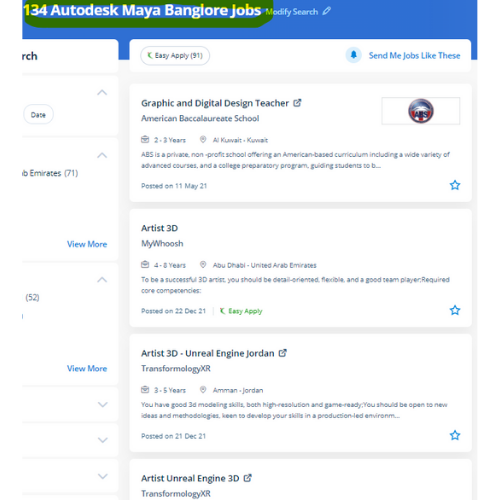
Autodesk Maya Jobs in Kannur

Enjoy the demand

Find jobs related to Autodesk Maya in search engines (Google, Bing, Yahoo) and recruitment websites (monsterindia, placementindia, naukri, jobshybrid.com, indeed.co.in, shine.com etc.) based in Kannur, chennai and europe countries. You can find many jobs for freshers related to the job positions in Kannur.

  • Graphic Designer
  • Maya Trainer
  • Motion Graphic Designer
  • Generalist 3d
  • Technical Designer
  • Interior Designer
  • Designing Trainer
  • Freelance Graphic Designer
  • 3d designer
  • AutoCAD Draftsman

Autodesk Maya Internship/Course Details

Autodesk Maya internship jobs in Kannur
Autodesk Maya Using this tool you'll convert little video clips which will be given dynamic effects into a brief film. whether or not you’re wanting to begin a new career within the 3D animation industry, or incorporate 3D animations into your existing work for broadcast or the web. It will do plenty of things, however, it’s generally accepted that it's best at animation. The options of Maya aren't like using only modifiers, you'll be able to apply modeling layers but it is a free-form approach to 3D modeling. . Meet Maya from Autodesk. it is the integration with alternative Autodesk software systems like motion builder and Mudbox. Nestsoft provides the most effective Autodesk Maya online training course. However, it is a good deal over a modeling code Maya is an ecosystem. Trainees will get to search out excuses for all the ideas from basics to advanced level.

Meet a Few of our Industry Experts 🚀 Your Pathway to IT Career

Raiyan

Mobile: +91 94975 90866
Location: Online (Kannur, India)
Qualification: Graduated

Experience: Experienced Android Developer with 4 6 years of hands-on experience in full mobile lifecycle development Skilled in UI design API  more..

Pooja

Mobile: +91 89210 61945
Location: Online (Kannur, India)
Qualification: Mcom

Experience: I am writing to express my interest in the Customer Support Compliance Supervisor position at Teleperformance as advertised on linkdin  more..

Sadiq

Mobile: +91 98474 90866
Location: Online (Kannur, India)
Qualification: B.E Electrical and electronics

Experience: WordPress design SEO SOCIAL MEDIA MARKETING GOOGLE ADS  more..

Sharique

Mobile: +91 8301010866
Location: Online (Kannur, India)
Qualification: MBA - Public Health Informatics

Experience: I am an MBA graduate in PUBLIC HEALTH INFORMATICS with FELLOWSHIP in HMIS having certification in DATA ANALYTICS from IIM-R  more..

Shaik

Mobile: +91 9895490866
Location: Online (Kannur, India)
Qualification: Bcom computers

Experience: 1 year of experience in front end development my skills are html css javascript react js wix   more..

Damini

Mobile: +91 89210 61945
Location: Online (Kannur, India)
Qualification: BE

Experience: Experience: 1 year 10 month Skills: angular javascript html css Application for Angular JS  more..

Aditya

Mobile: +91 8301010866
Location: Online (Kannur, India)
Qualification: B.Tech Computer science engineering

Experience: Enthusiastic and results-driven Graduate Web Developer with a proven track record in delivering high-quality website functionality and web application solutions  more..

Abhay

Mobile: +91 91884 77559
Location: Online (Kannur, India)
Qualification: MCA

Experience: I have 2+ years of experience as Frontend developer with these skills HTML CSS Javascript jQuery bootstrap tailwindcss WordPress and  more..

Gosai

Mobile: +91 98474 90866
Location: Online (Kannur, India)
Qualification: Diploma

Experience: 3 months internship Canva design web design seo  more..

Manpreet

Mobile: +91 94975 90866
Location: Online (Kannur, India)
Qualification: B.Tech

Experience: I’m a graphic designer… over the three years my designs have specialised in party events where we take a bundle  more..

Akansha

Mobile: +91 91884 77559
Location: Online (Kannur, India)
Qualification: MCA

Experience: I have done 3 months of internship as a web developer in techsynric technologies Also I have sone MCA with  more..

MEERA

Mobile: +91 91884 77559
Location: Online (Kannur, India)
Qualification: B.E-CS

Experience: I am fresher now i am studying techolas techology i have completed manual testing now i am studying automation testing  more..

BIPINNATH

Mobile: +91 9895490866
Location: Online (Kannur, India)
Qualification: BTech

Experience: I have 2 years of experience in PHP working as faculty cum developer at infodawn Pathanamthitta Have completed 3 live  more..

Mohammad

Mobile: +91 98474 90866
Location: Online (Kannur, India)
Qualification: B tech

Experience: Ms office and Ms excel I have a knowledge on coding programming 0 years experience   more..

CHIPPY

Mobile: +91 8301010866
Location: Online (Kannur, India)
Qualification: BSc BEd

Experience: Curriculum development and lesson planningClassroom management and disciplineDifferentiated instruction to accommodate various learning stylesUtilization of technology in teaching (e g  more..

George

Mobile: +91 89210 61945
Location: Online (Kannur, India)
Qualification: BCA

Experience: Software testing automation and manual Jira postman qtp selenium web driver java Jmeter MySQL   more..

kavya

Mobile: +91 91884 77559
Location: Online (Kannur, India)
Qualification: B tech

Experience: Manual testing Automation testing Retesting Regression testing Black box testing Smoke testing Sanity testing Exploratory testing API testing SQL queries  more..

Jyotika

Mobile: +91 8301010866
Location: Online (Kannur, India)
Qualification: B.Sc (H) Computer Science

Experience: For the past 5 months I have been working as a UI UX Intern at Grey to Yellow and then  more..

VIVEK

Mobile: +91 91884 77559
Location: Online (Kannur, India)
Qualification: B.tech

Experience: UI API tester Functional testing Smoke sanity retesting and regression testing API testing with postman BDD framework Assist in hybrid  more..

Ganesh

Mobile: +91 91884 77559
Location: Online (Kannur, India)
Qualification: BCA

Experience: As an Associate Solution Developer Intern I have 6 month of experience with expertise in Spring Boot Hibernate and Spring  more..

Disha

Mobile: +91 91884 77559
Location: Online (Kannur, India)
Qualification: Pursing in Bsc in Media Graphics and Animation

Experience: one year of hands-on experience in graphic and video editing I have cultivated a deep passion for the realm of  more..

Hemangi

Mobile: +91 98474 90866
Location: Online (Kannur, India)
Qualification: Diploma in software management

Experience: I have experience in Microsoft office and I have good experience in software testing i want this job immediately so  more..

shubham

Mobile: +91 8301010866
Location: Online (Kannur, India)
Qualification: Bcs

Experience: Html css js wordpress MySQL mongodb  more..

Manish

Mobile: +91 94975 90866
Location: Online (Kannur, India)
Qualification: Pursuing B.Tech(Final year)

Experience: Circuit Design: Proficient in designing electronic circuits including analog digital and mixed-signal circuits Power Electronics: Knowledgeable about power supply design  more..

Success Stories

The enviable salary packages and track record of our previous students are the proof of our excellence. Please go through our students' reviews about our training methods and faculty and compare it to the recorded video classes that most of the other institutes offer. See for yourself how TechnoMaster is truly unique.

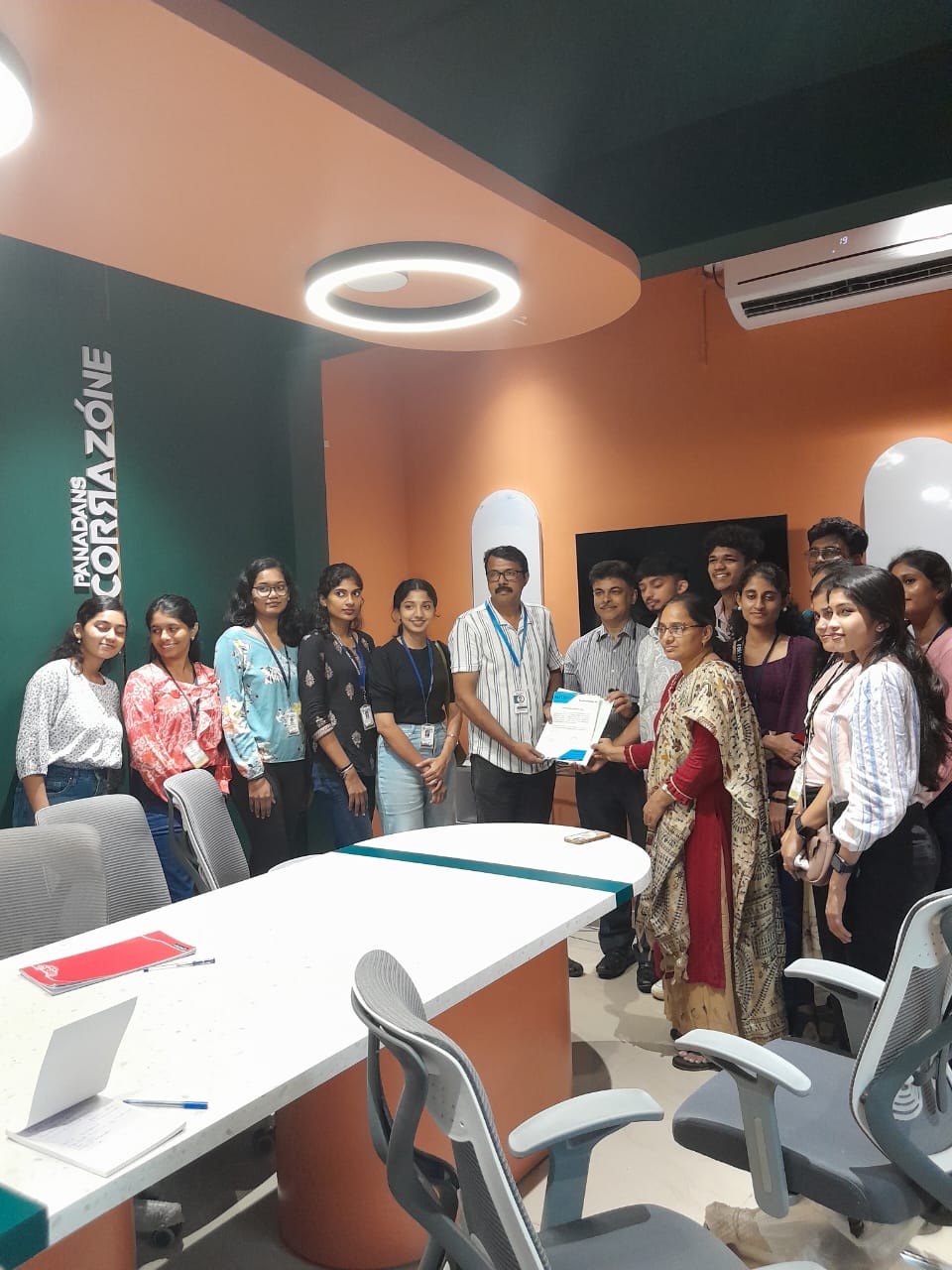
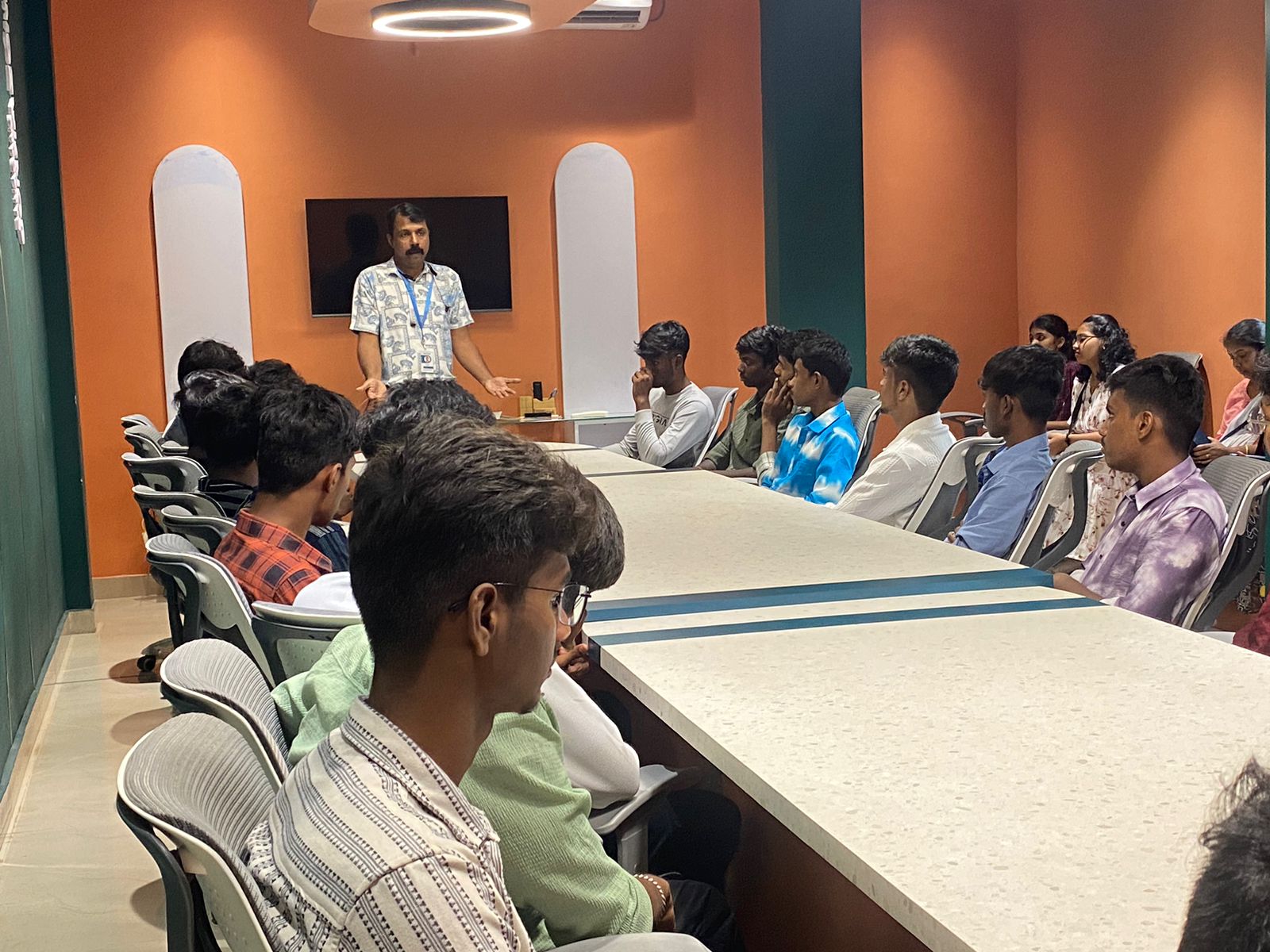
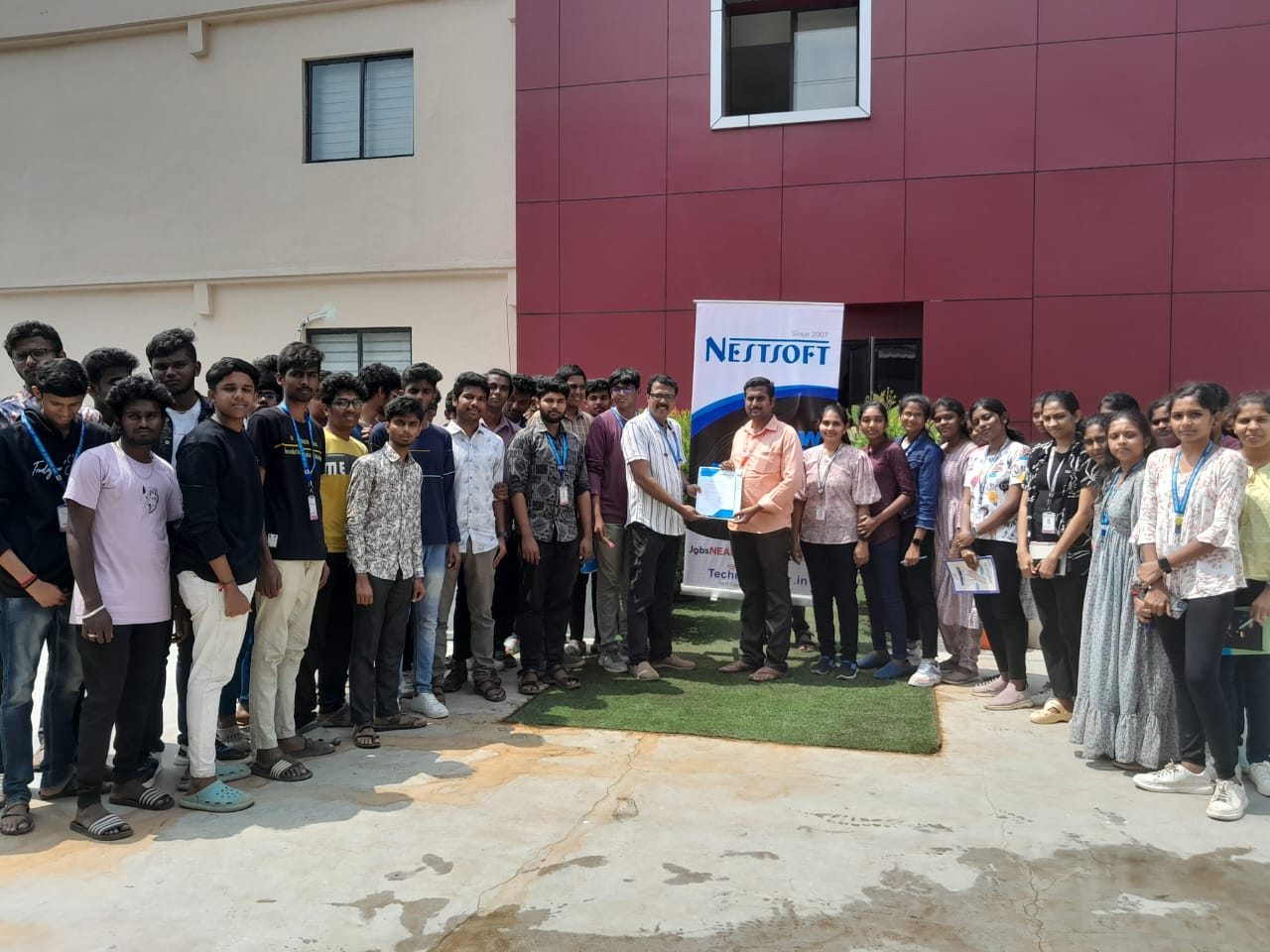
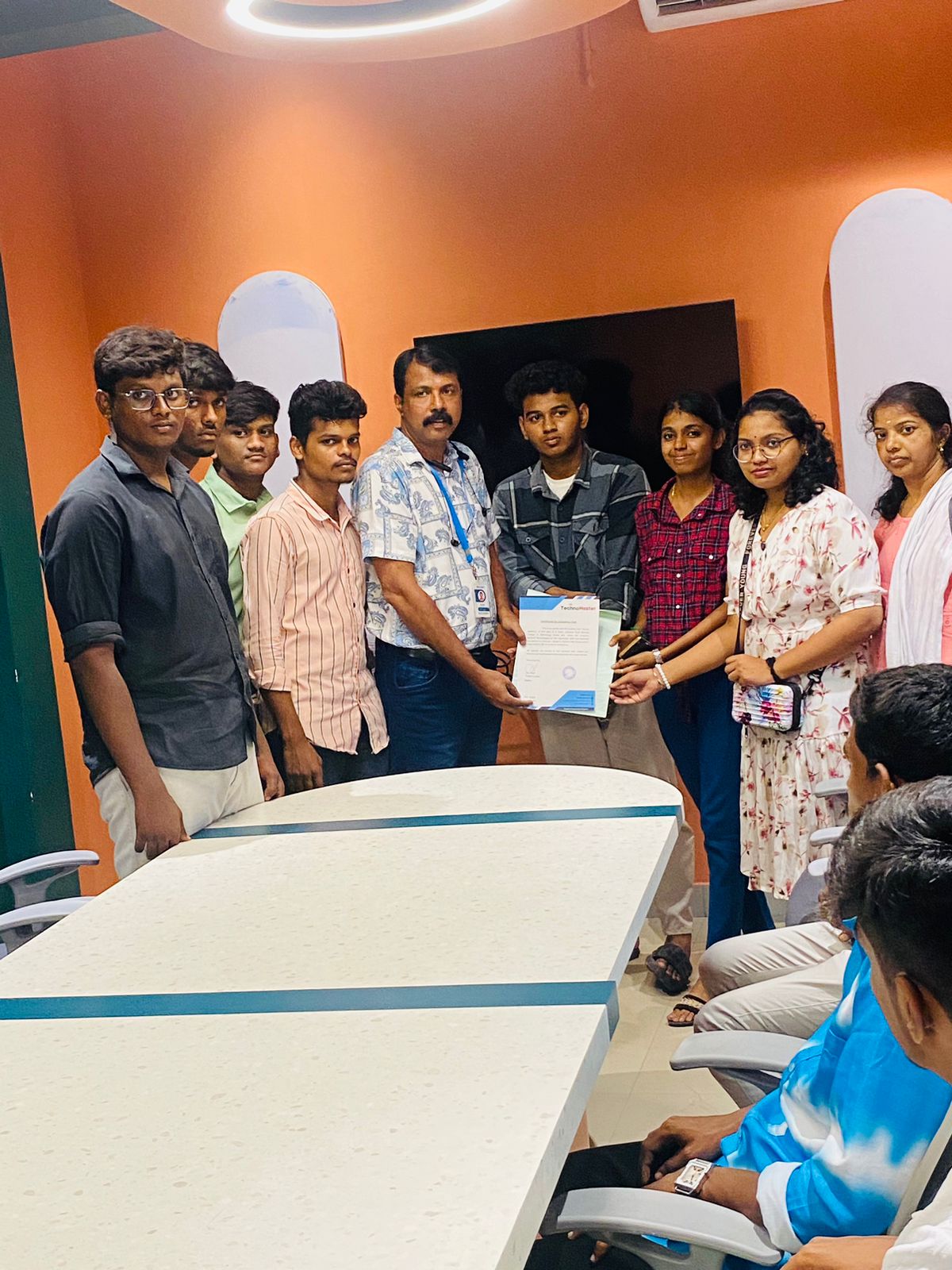
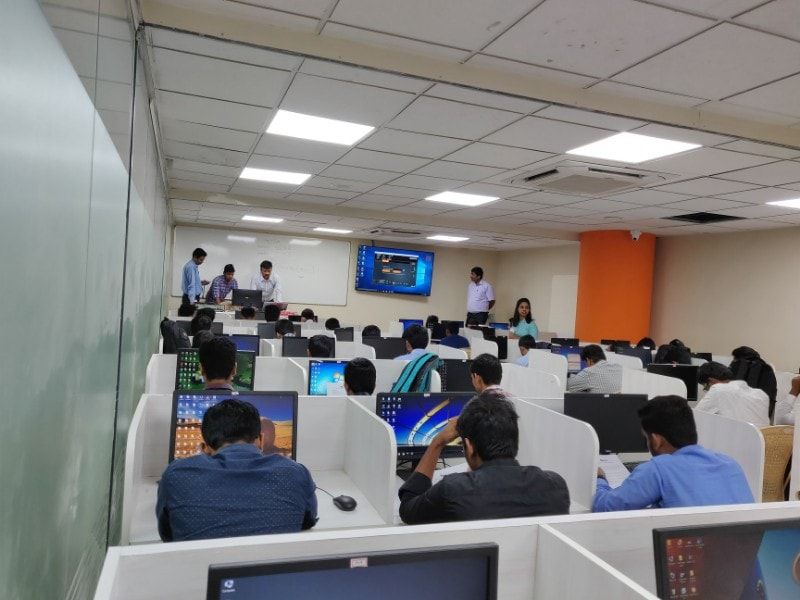
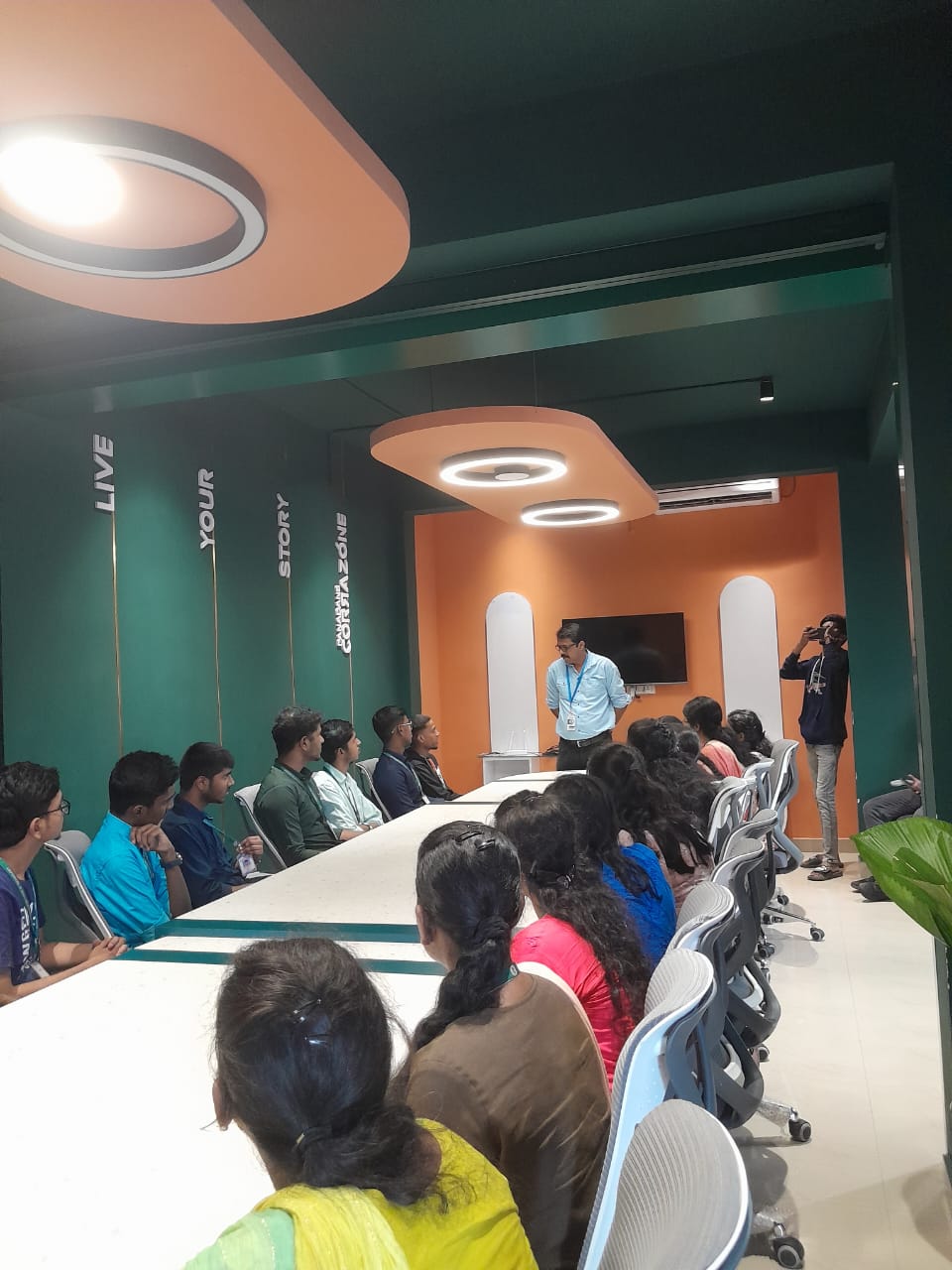
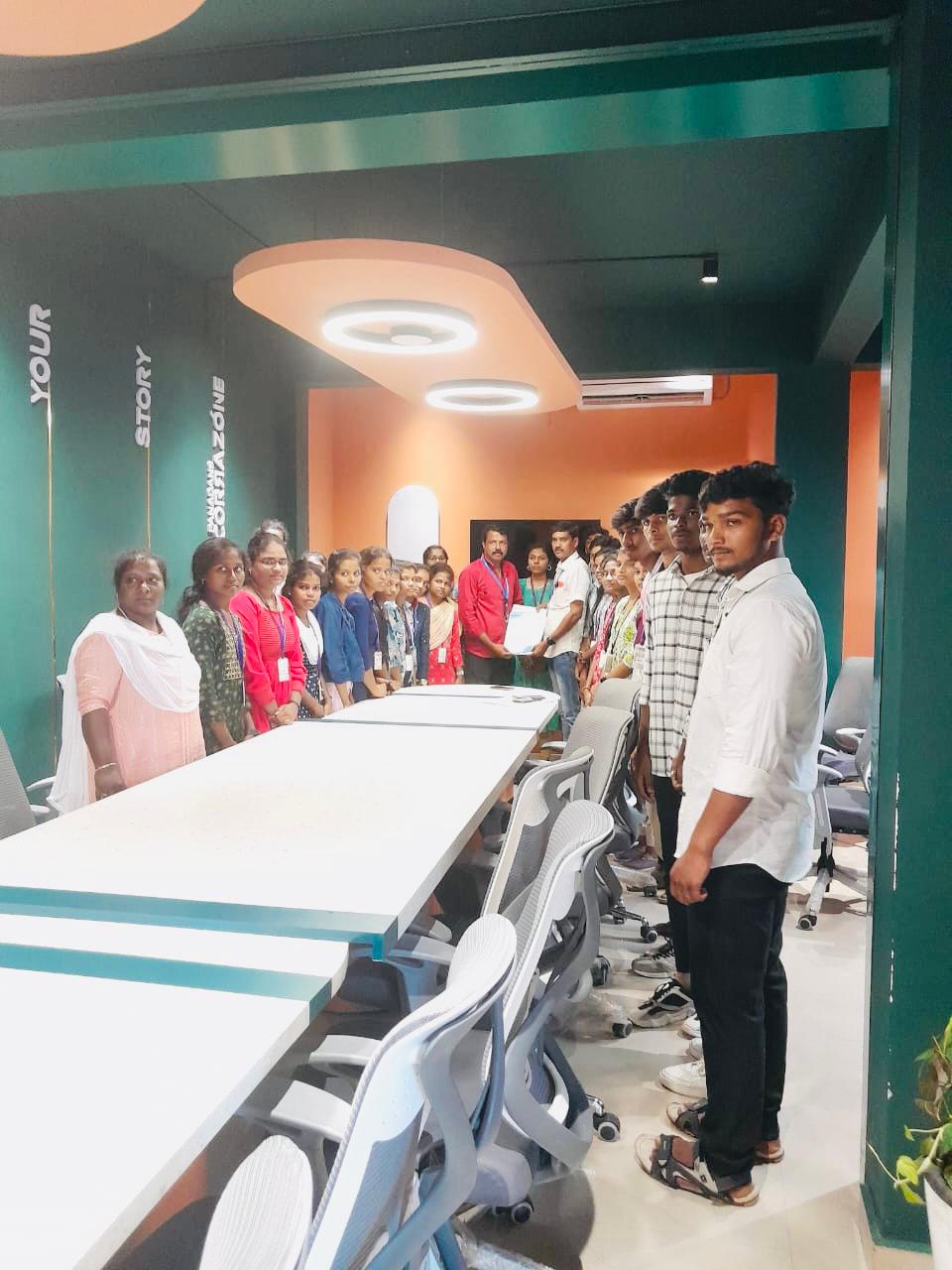
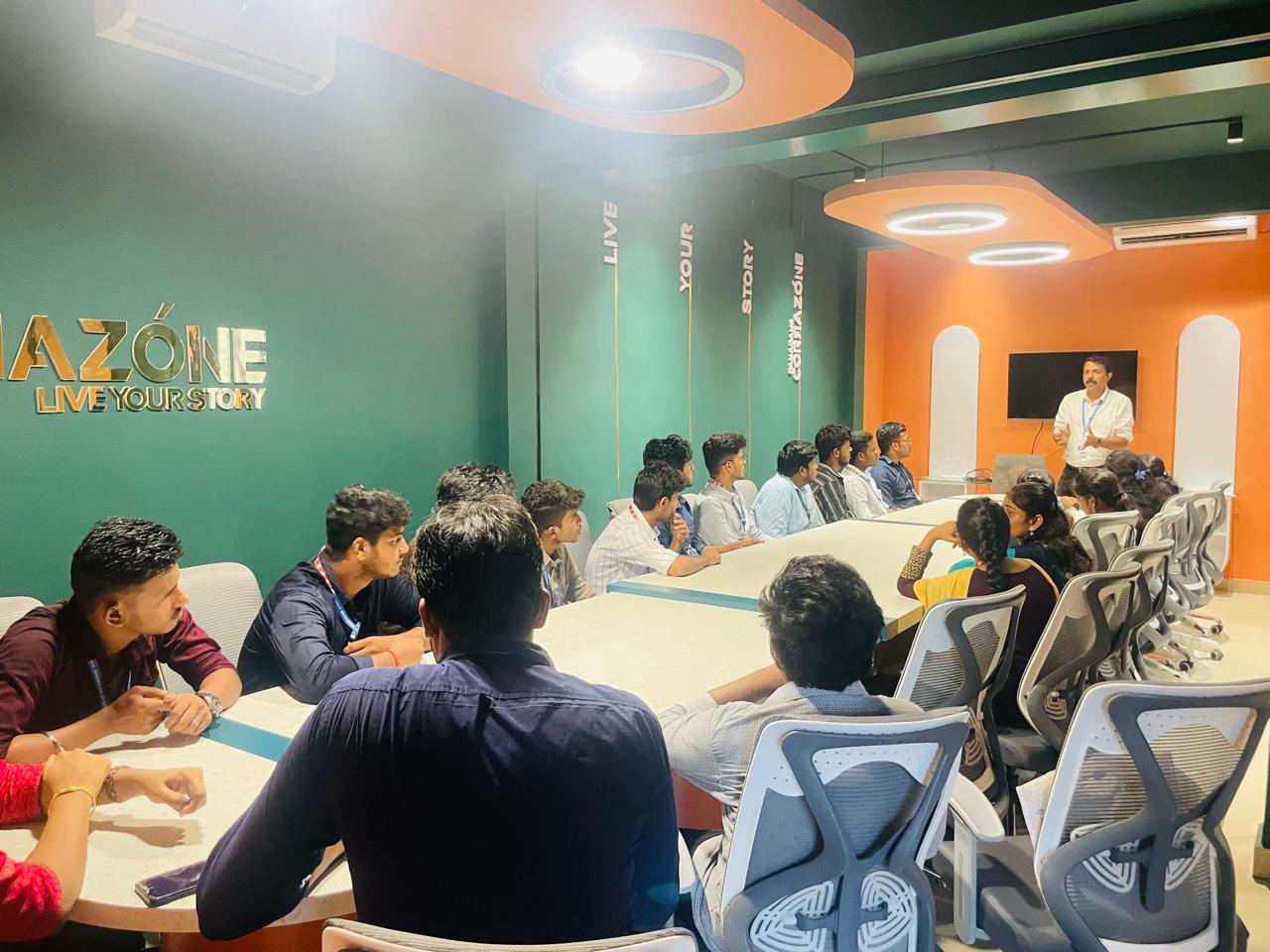
Photos of Training / Internships

Internship/projects in kannur

Trained more than 10000+ students who trust Nestsoft TechnoMaster

Get Your Personal Trainer